Learn MangaLoft
New to MangaLoft? Start here.
Start here
Four short pages, in order. Make your first page, then learn how to export it with MangaLoft Plus.
- Create a documentAn empty document, ready to draw in.
- The page listPages added, in order, and one opened.
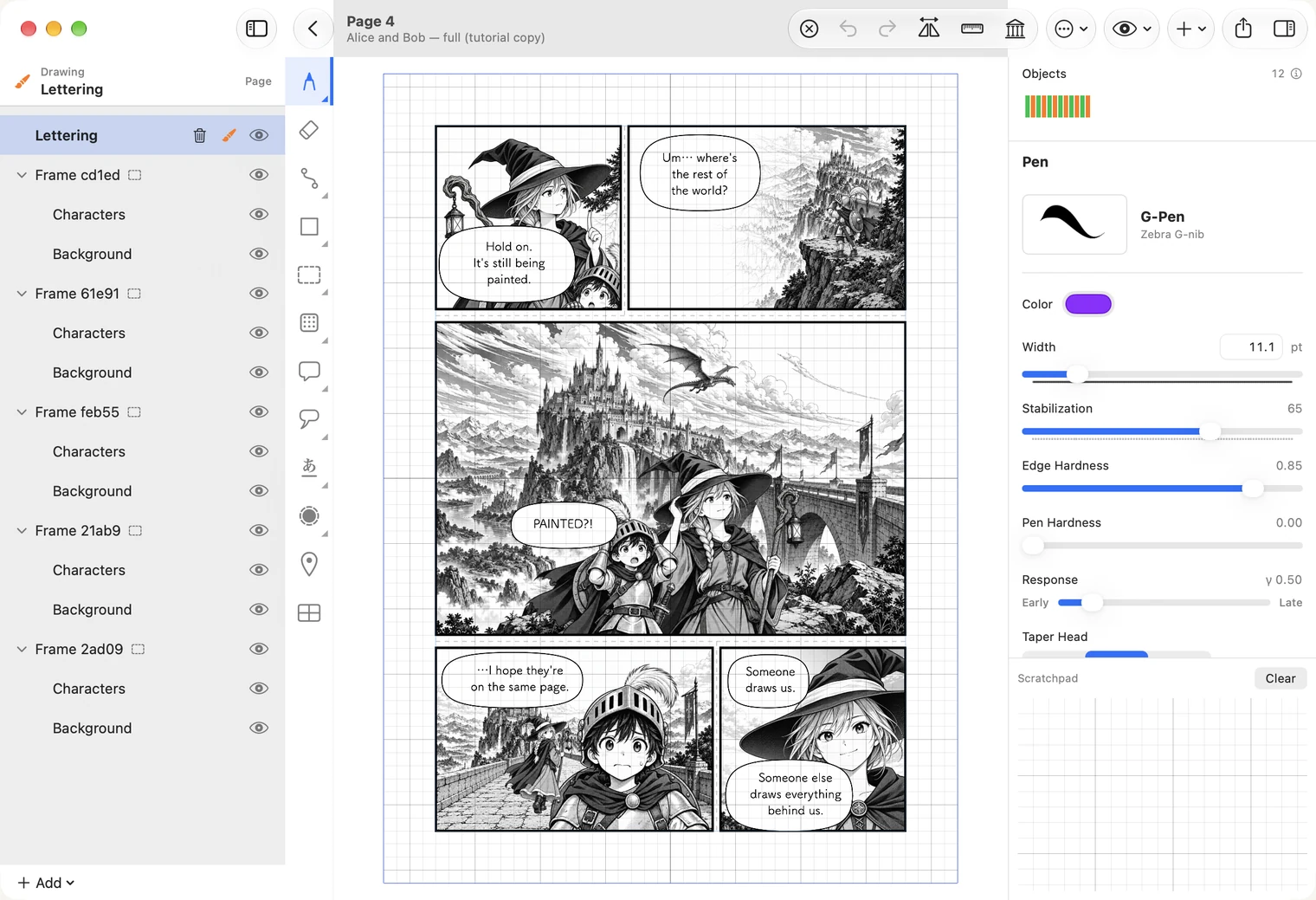
- Your first pageOne finished page: two panels, a drawing, a balloon with text.
- Export, and MangaLoft PlusA file out of the app. Needs MangaLoft Plus.
The tools, one by one
Come back to these when you need them.
- Documents and pagesDocument settings, spreads, the Scrapbook and the Trash.
- Brush and eraserBrushes, eraser, undo, zoom and pan, mirror canvas.
- Paths and shapesLines and shapes you can edit after drawing them.
- Balloons and tailsSpeech balloons, their tails, and reshaping them.
- TextLettering: vertical and horizontal text, ruby, style.
- TonesScreentones and effect tones.
- Frames and panelsSplitting a page into panels and drawing inside them.
- LayersThe layer panel and what each mark means.
- Workbench and Continue ElsewhereWork on one panel alone, or carry it to another device.
- Notes, grid and guidesNotes on a page, the grid, guides and the straight ruler.
Working together
Draw one manuscript with a collaborator, each on your own Mac or iPad.
- Working togetherHow sharing works, and what you need.
- Connect with a collaboratorOnce per person: card, approve, one more link.
- Share a manuscriptStart Collaboration and invite people.
- Draw on the same pageCheck out, check in, Update, Wrap Up.