MangaLoft.
A focused manga drawing app for Mac & iPad. Panels, screentones, inking, print-ready export.
Coming soon to the App StoreWhat it is
MangaLoft is an app built specifically to support making manga. Panel frames, screentones, inking, speech balloons and lettering — everything in it is there to help you make manga. MangaLoft is a free download; exporting — for screen or for print — needs MangaLoft Plus, an optional subscription.
Built for the page
Panel frames
On paper, changing a panel layout means starting over. Here you split and fine-tune at any time.
Screentones
Tone families with editable regions — dots, gradients, speed lines, focus lines.
Inking
Pressure-aware brushes with taper, stabilization, and custom brush libraries.
Layers
Layers, the part of daily work you can no longer do without. Keep characters, backgrounds and balloons apart and work faster.
Balloons & tails
Oval, rectangle, cloud and burst balloons, with tails you draw in one stroke.
Lettering
Vertical and horizontal text with ruby (furigana), outline, and 縦中横.
Script Tones
Effect tones such as Shock and Flames. A step further, you can also paste in a script of your own.
Shared documents
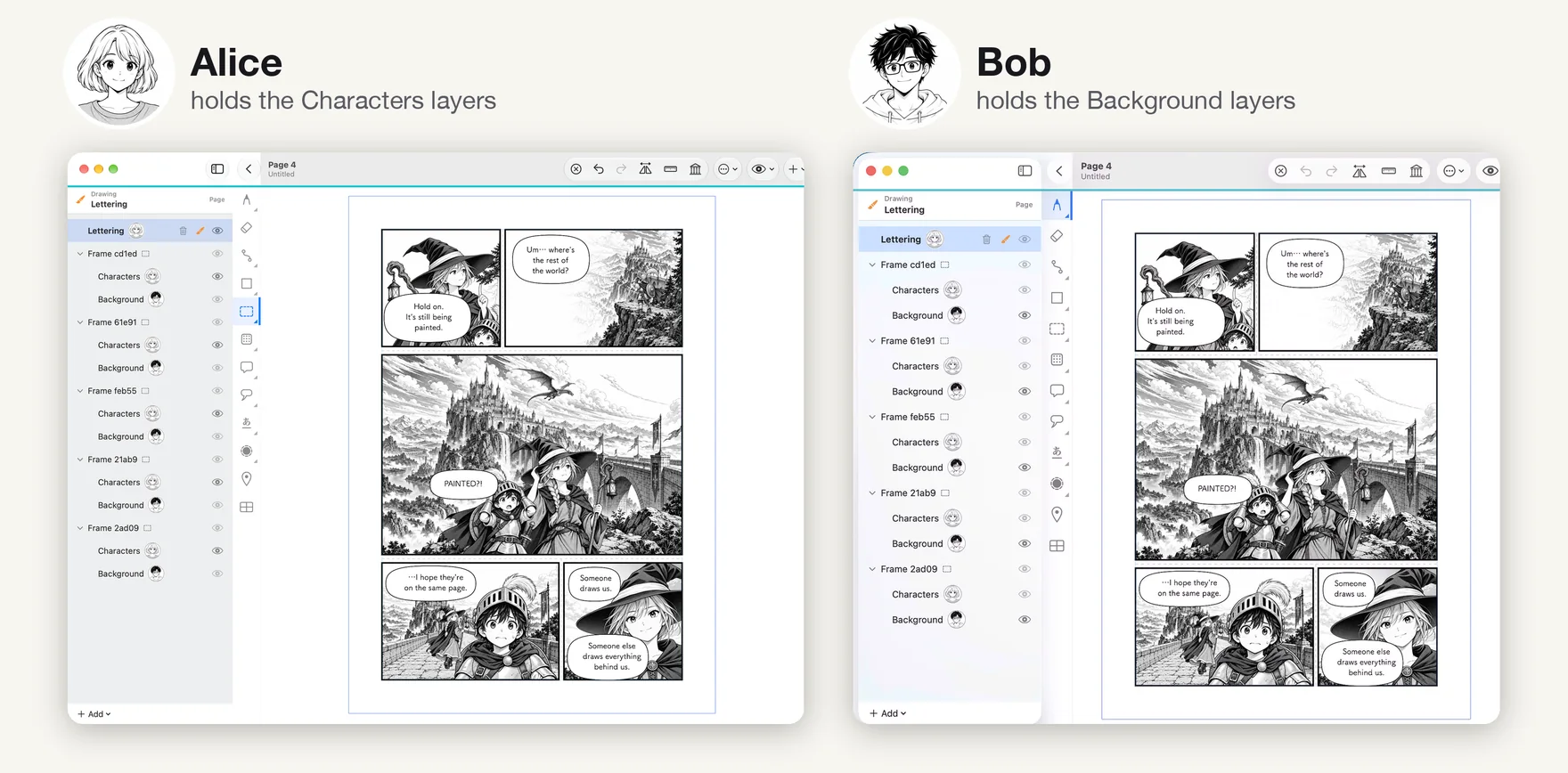
Share one manuscript with your collaborators. Check out and check in to work without overwriting each other.
Print export
Bleed and registration marks (tombo) at 350 / 600 dpi — PNG, TIFF or PDF.
Mac & iPad
Draw with Apple Pencil on iPad, or with a pen tablet on Mac.
Learn MangaLoft
New to the app? Four short pages take you from an empty document to your first finished page, and there is one page for each tool when you need it.
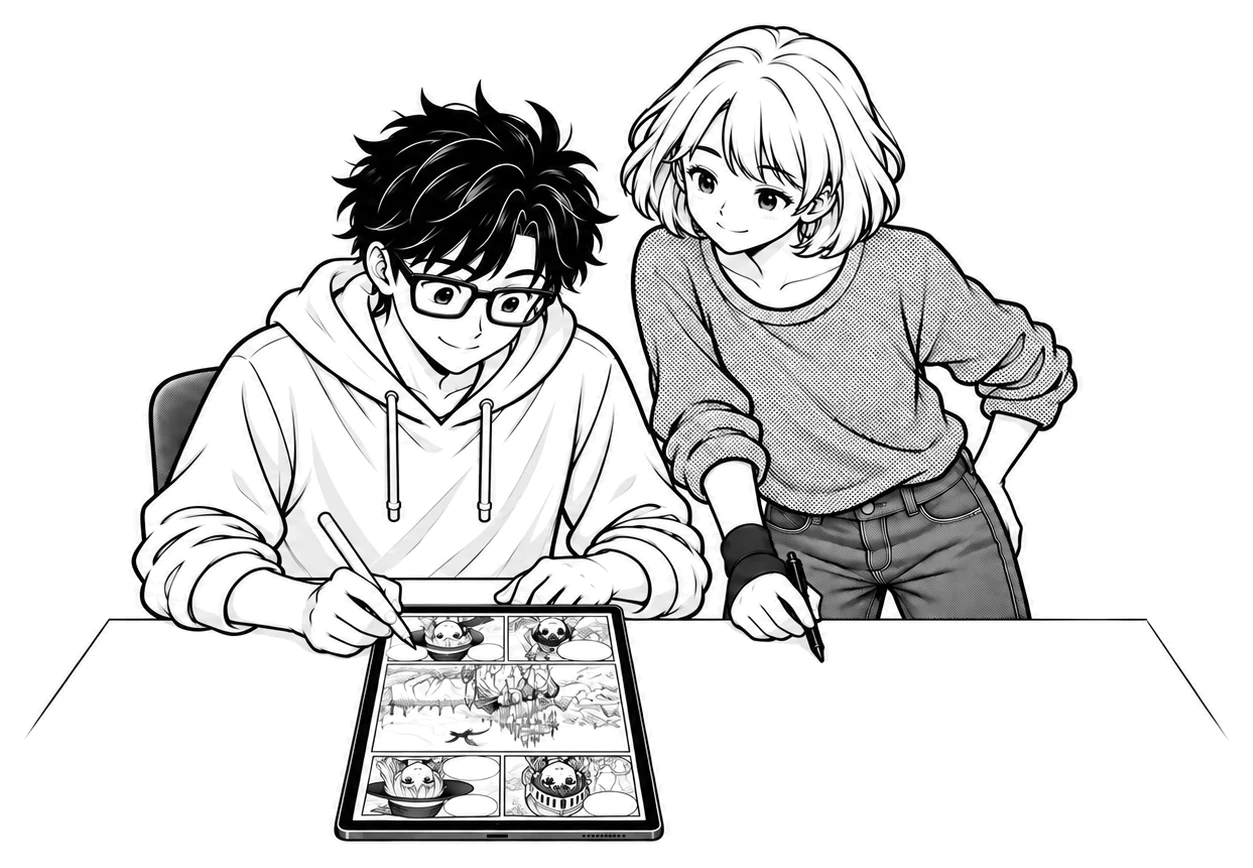
Finish a page together
Share a document through iCloud and each take the layers you are working on. One artist draws the characters while another paints the world behind them — on the same page, without overwriting each other.
Get MangaLoft
MangaLoft is coming soon to the App Store, for Mac and iPad.
Exporting needs MangaLoft Plus (1 year or 3 months). See and manage it in the app’s Settings.