Working together
Draw one manuscript with a collaborator, each on your own Mac or iPad.
How it works
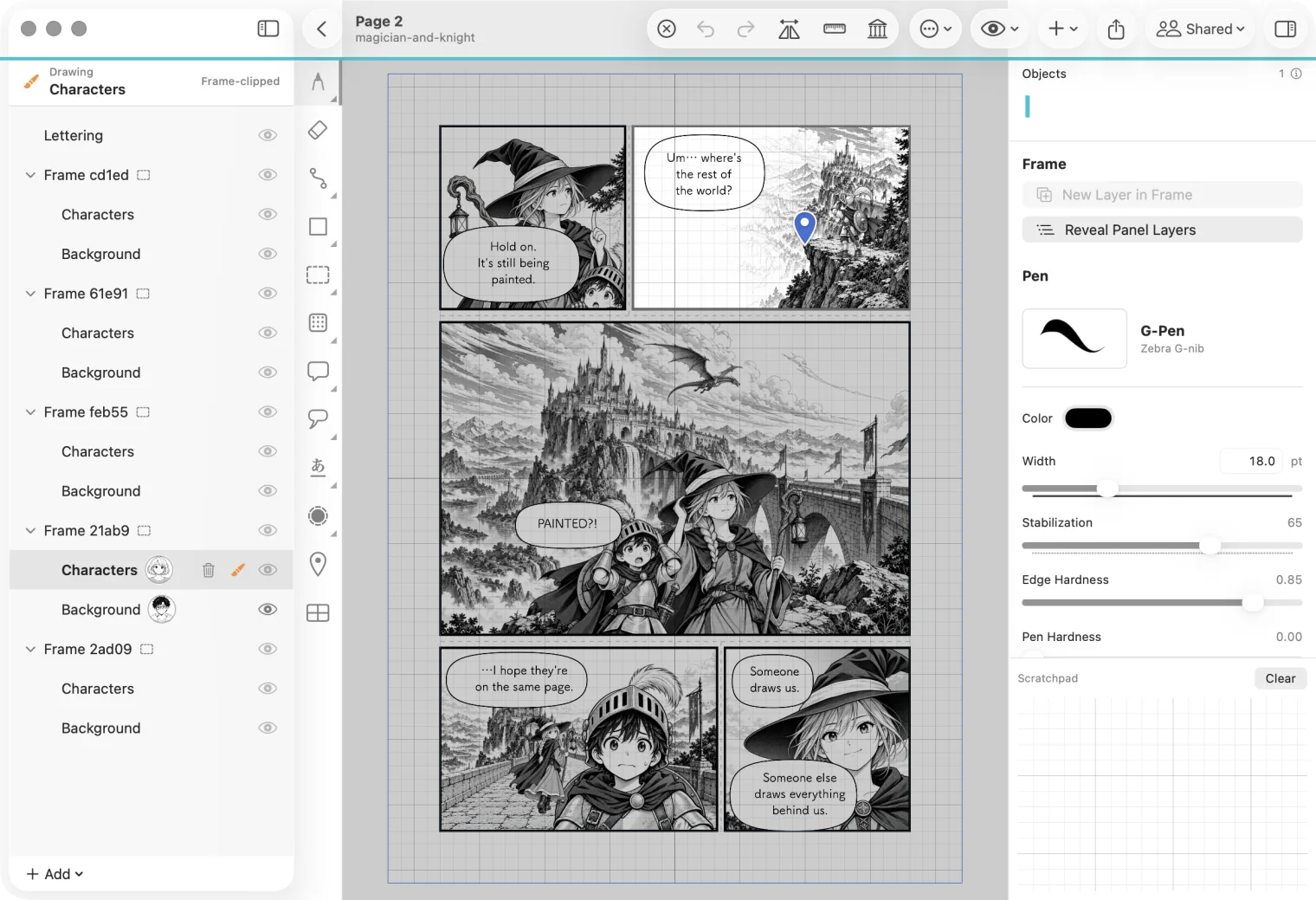
One person owns the manuscript. They share it with the people they work with, and each of them opens it in their own MangaLoft. Before you draw, you check out what you will change: a layer, or a whole page. While you hold it, no one else can change it. When you are done you check it in, and everyone else gets your drawing when they Update.
When the manuscript is finished, the owner wraps it up: the work comes back into their own file, and the shared copy can be deleted.
Before you start
- Each person needs MangaLoft and their own Apple Account, signed in to iCloud.
- The owner needs a Mac to start sharing a manuscript and to wrap it up. Collaborators can join and draw on a Mac or an iPad.
- A chat you both use: Messages, LINE, email. You send each other two links, once.
Connecting with someone shares no manuscript. It only lets you invite each other later.
In three steps
- Connect with a collaboratorOnce per person: send your card, approve, send one more link.
- Share a manuscriptStart Collaboration on your Mac and invite people.
- Draw on the same pageCheck out, check in, Update, and wrap up when you are done.
The pictures in these pages show Alice and Bob, each on a Mac. On iPad the steps are the same.