Share a manuscript
Start Collaboration on your Mac and invite the people you are connected with.
1. Alice: start collaboration
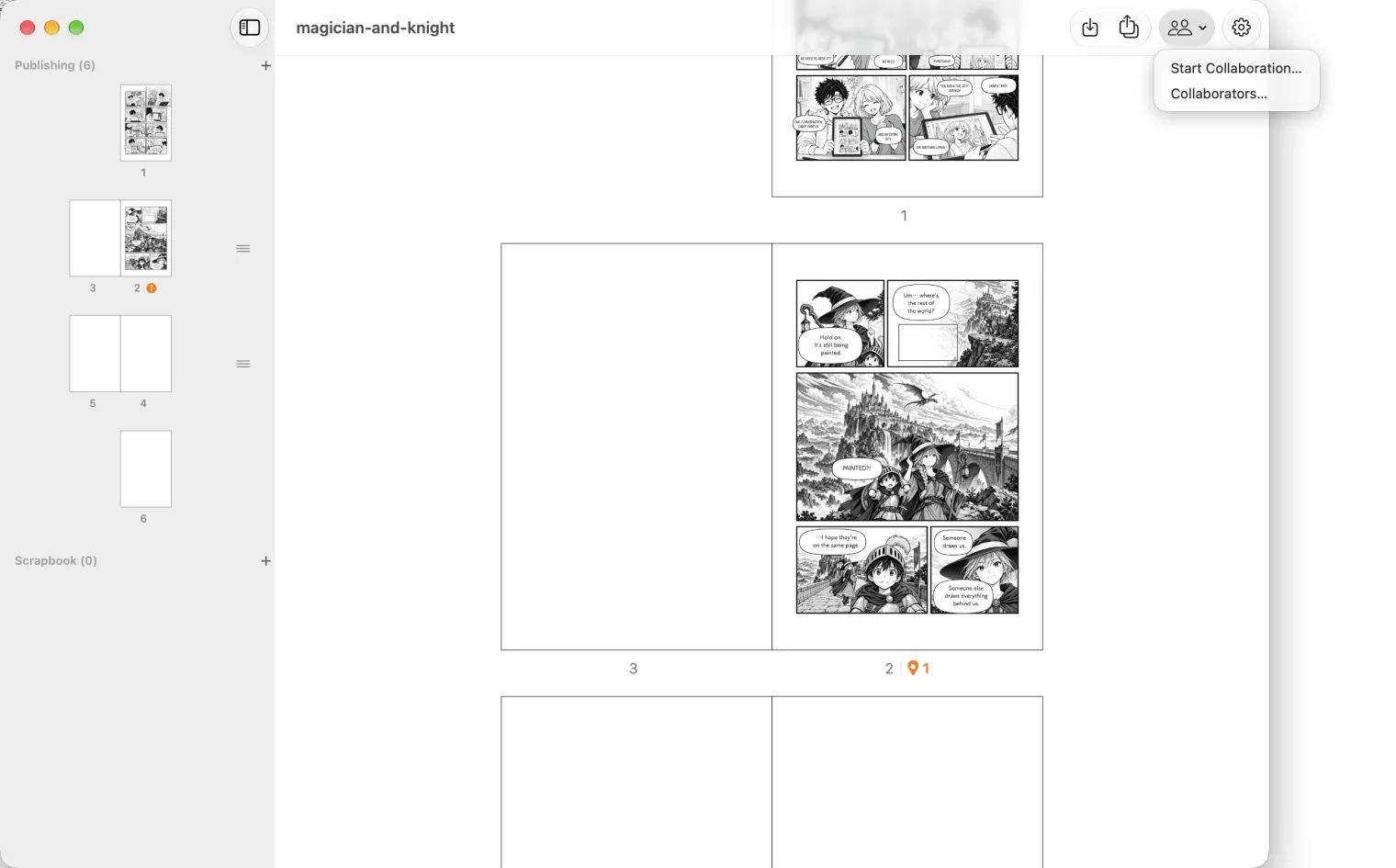
Open the manuscript on your Mac. Press the people button at the top right of the window and choose Start Collaboration….
MangaLoft tells you how much of your iCloud the shared copy will use. While the manuscript is shared, everyone changes a page by checking it out, you included. The file on your Mac stays as it is until you wrap up.
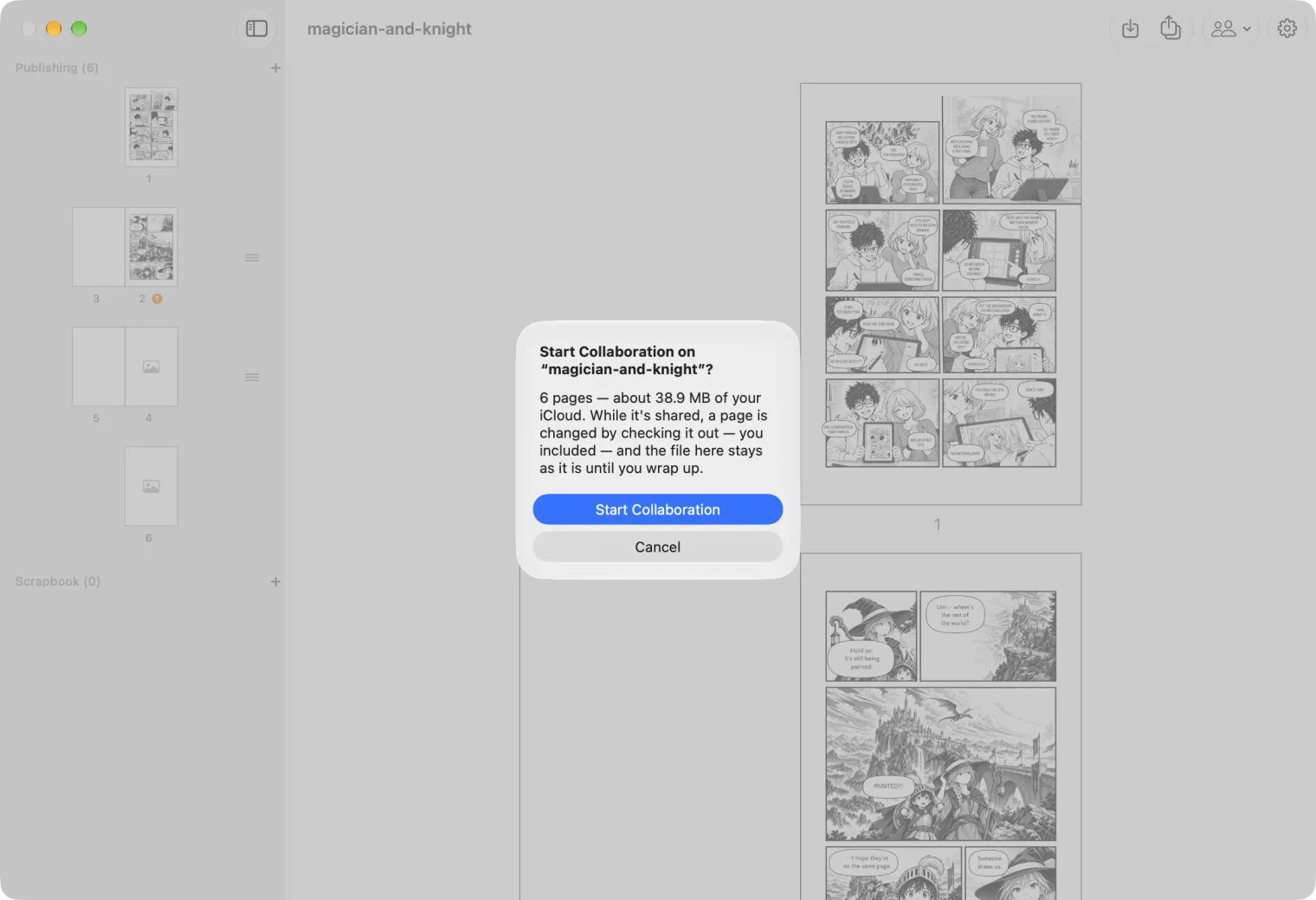
Press Start Collaboration. The manuscript uploads to iCloud; a big one takes a while.
2. Alice: add people
Add People opens by itself. Turn on each person you want, choose their role, and press Invite.
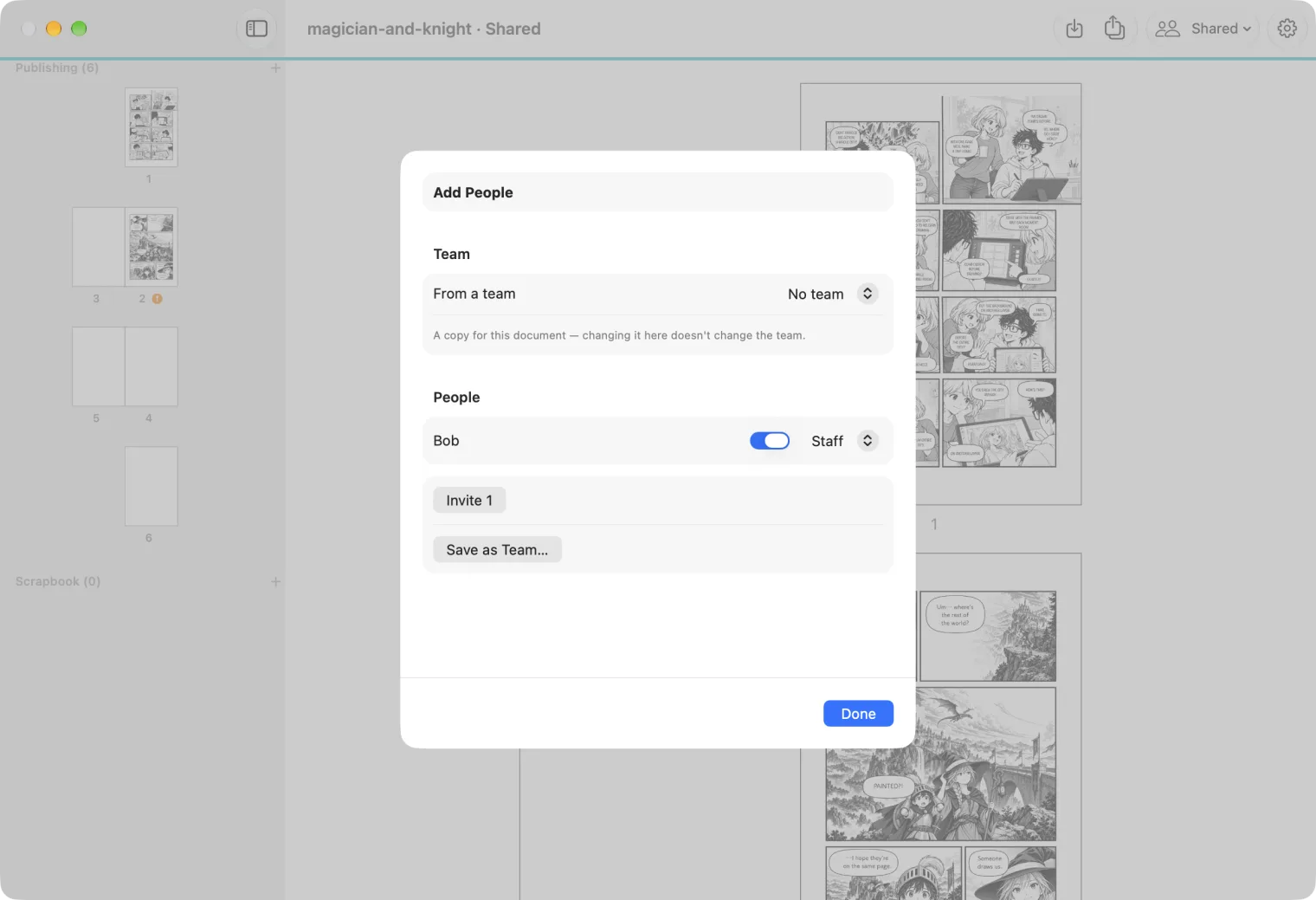
- Staff draw: they check out pages and layers and check them in.
- An Admin can also release what someone else holds. A Reviewer can comment, not draw.
To invite someone later, choose Members… from the Shared menu, then Add People….
3. Bob: accept the invitation
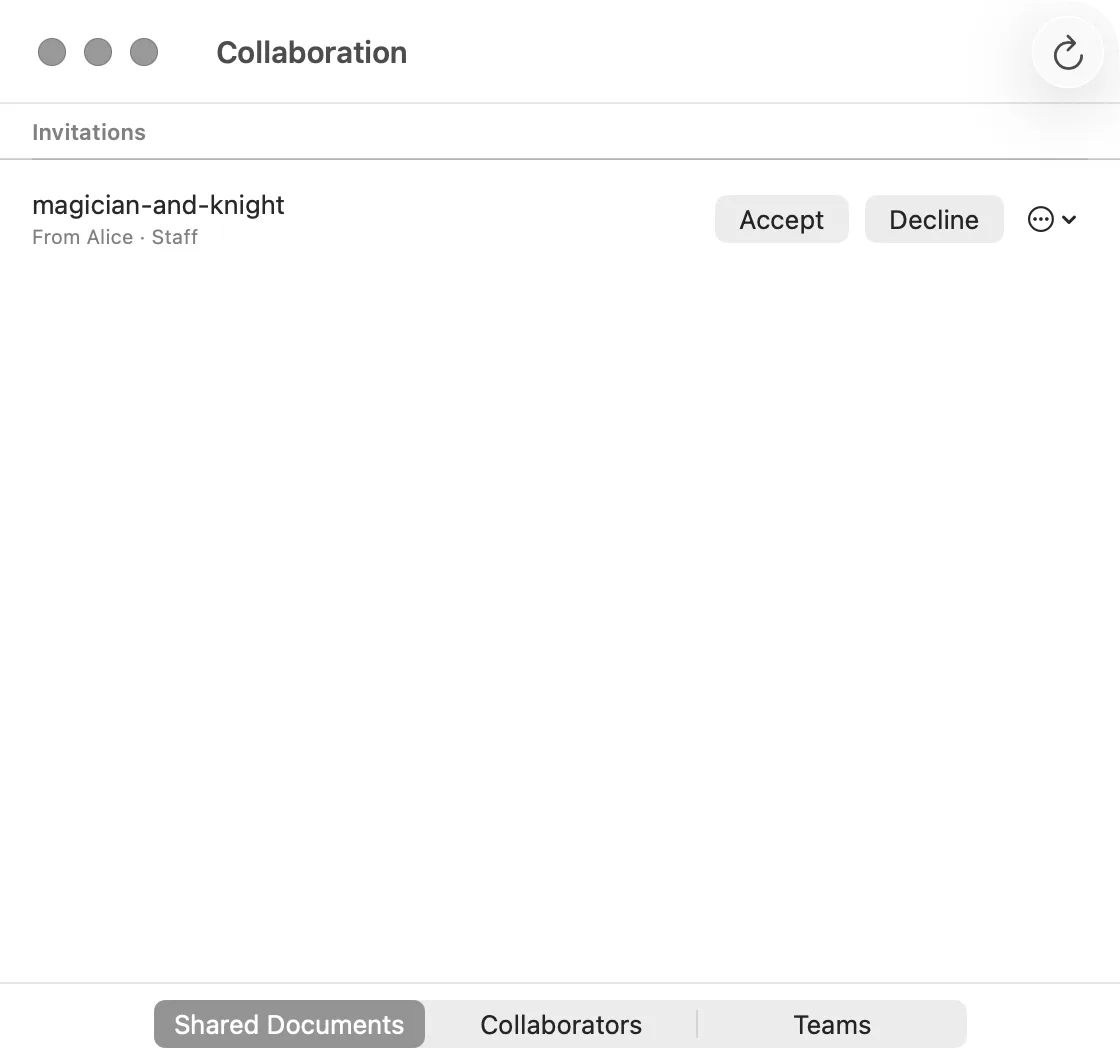
In the Collaboration window, open Shared Documents. The manuscript is under Invitations, with who sent it and your role. Press Accept.
When it has joined, MangaLoft says so. Press Open.
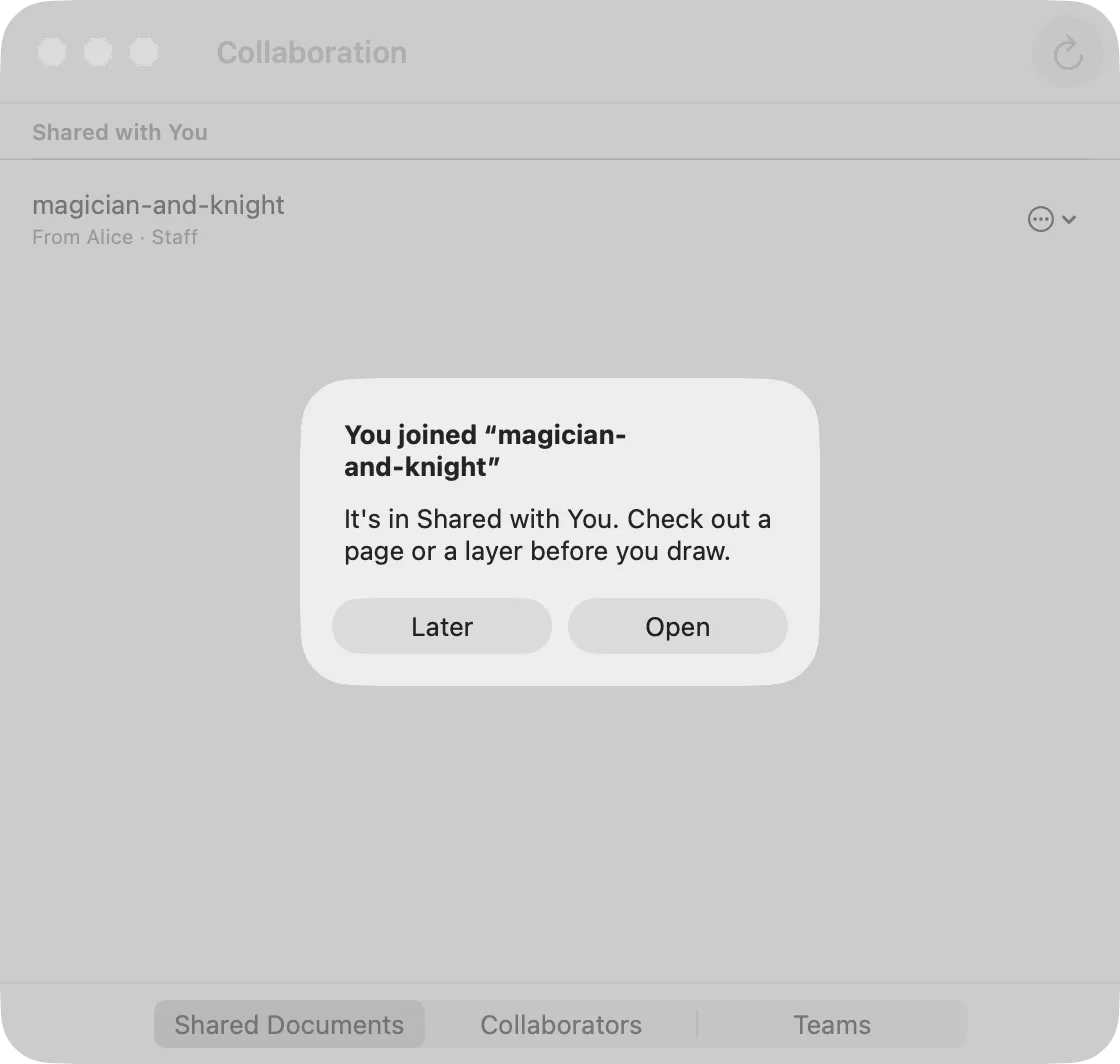
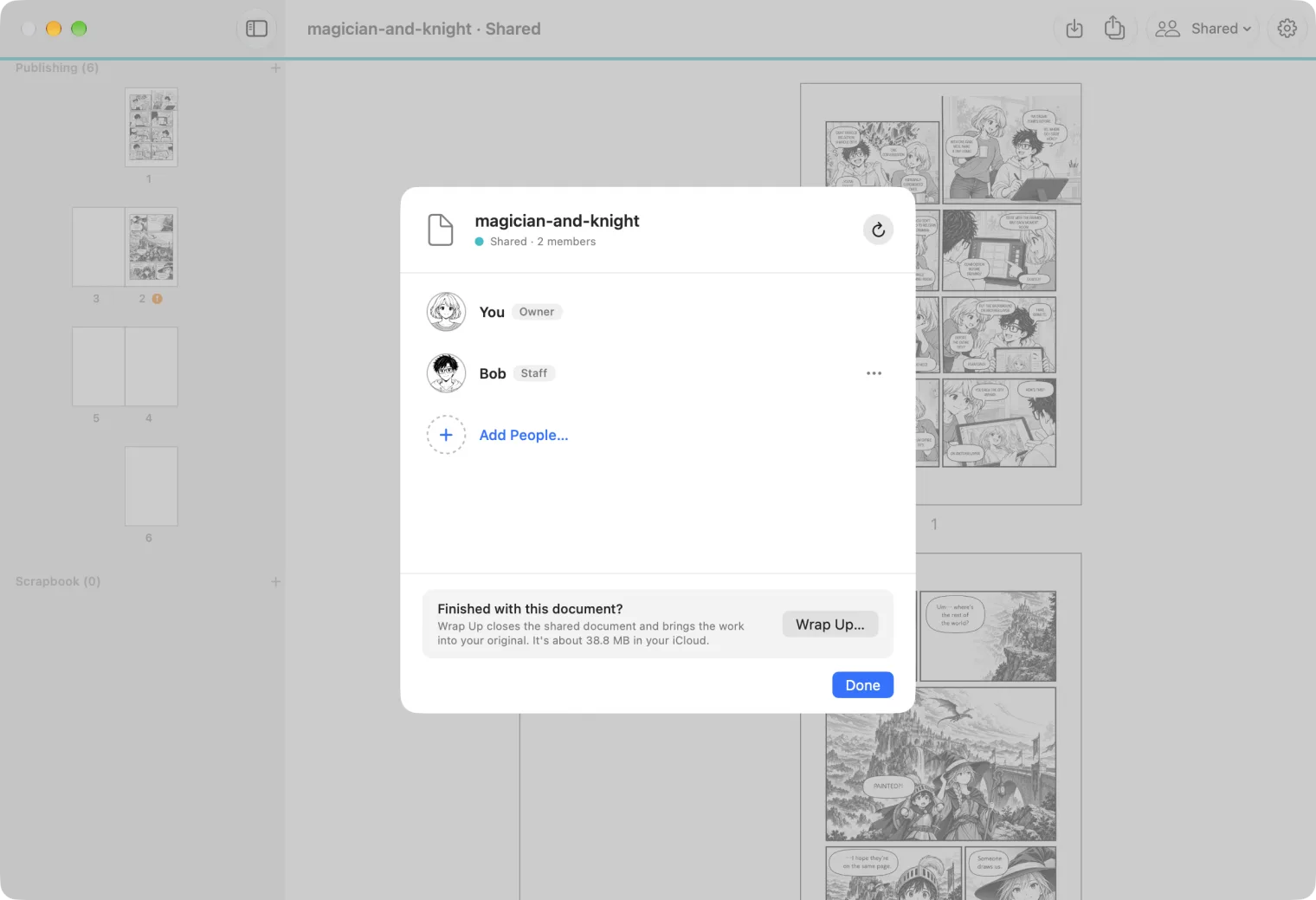
A shared manuscript says Shared in its window title, and its toolbar has a Shared menu. Later, open it again from Shared Documents ▸ Shared with You.
Who is in it
Alice chooses Shared ▸ Members… to see everyone, their role, and whether they have joined.