The whole studio, at a glance.
You've seen the five headliners — here's everything else, grouped the way you'd actually work. Free to create during the beta.
Make your marks
The drawing toolkit around the pen.
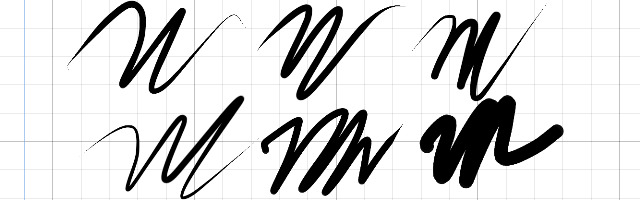
Brush Library
8 presets plus pick / tune / tend your own — iCloud-synced.
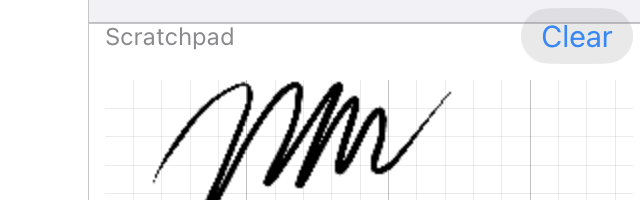
Scratchpad
Test a brush beside the canvas before you commit.
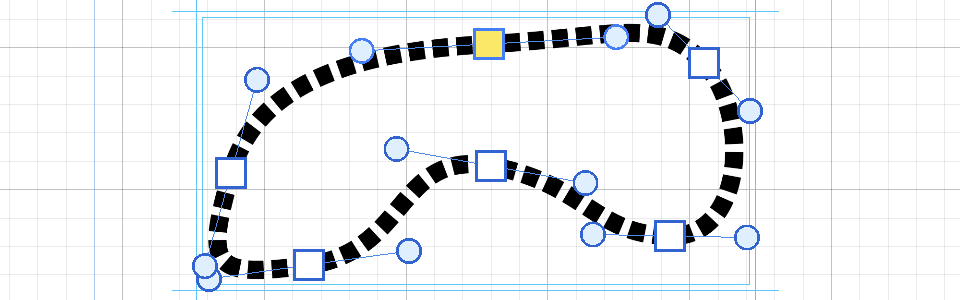
Path tool
Clean bezier curves for inorganic lines.
Freehand Path
Draw by hand — it becomes an editable bezier, same anchors and handles.
Edge Push
Push a closed boundary to meet the art. No repasting, no erasing and redrawing.
Edge Smooth
Smooth a boundary you want to keep the shape of — only the wobble goes.
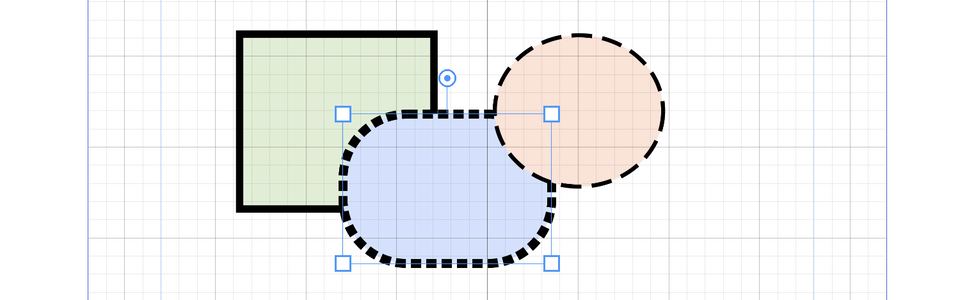
Shapes
Oval, rectangle, rounded rectangle — with a live corner radius, and node-editable.
Compound objects
Combine parts into one object and keep every part alive and editable inside it.
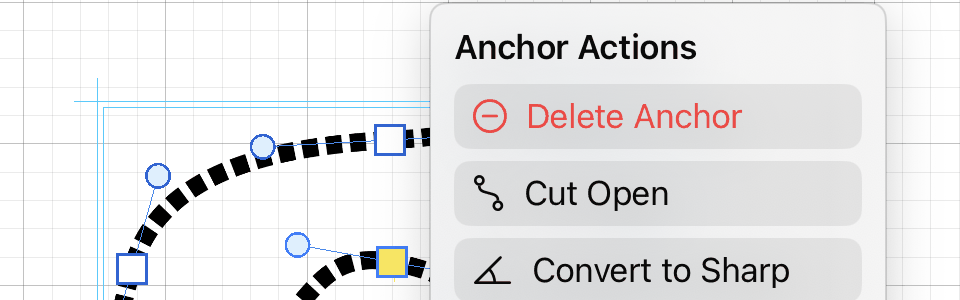
Anchor actions
Delete · split · cut · convert on any anchor.
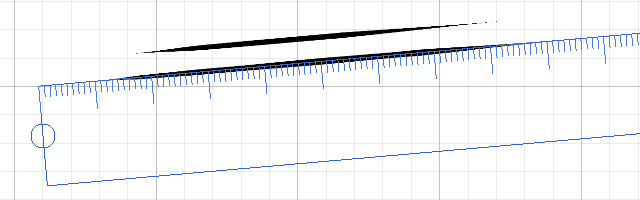
Straight ruler
Snap strokes to a line.
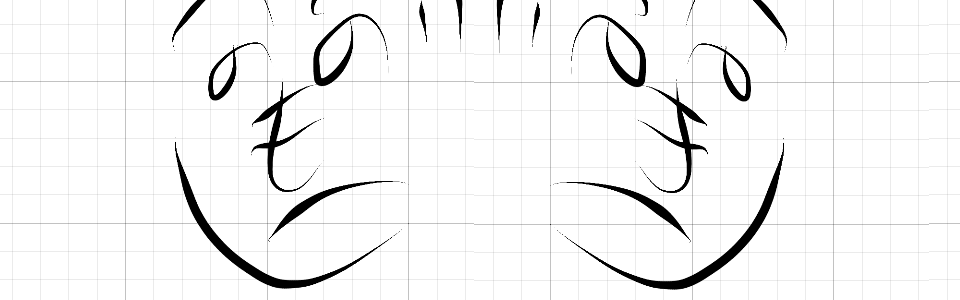
Flip canvas
Flip left–right to check your balance, like flipping paper.
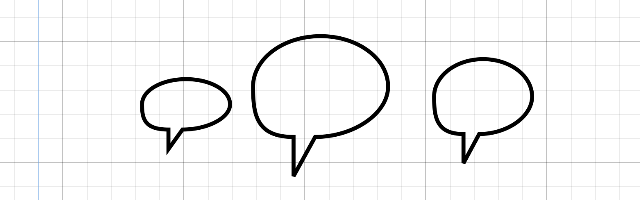
Speech balloons
Oval, rectangle, cloud, burst — each adjustable and still editable afterwards. Letter them with the Text tool.
Work in layers
Group them, lock them, keep some off the print.
Folder groups
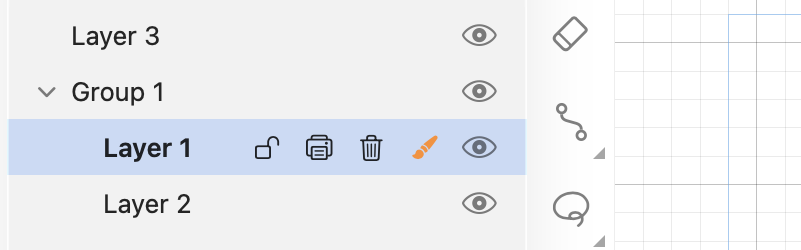
Group layers; duplicate a whole group.
Place Image
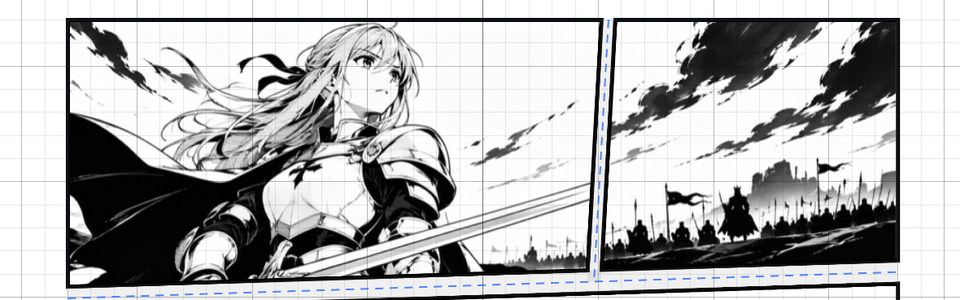
Put a photo or a scan on a layer as a reference — it lands sized to the page, not at raw pixel size.
Opacity
Per-layer opacity.
Lock
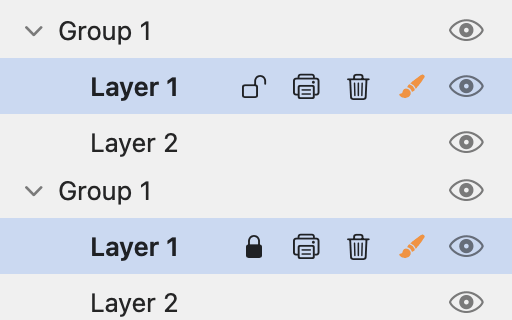
Protect a layer from edits.
Hide-in-export
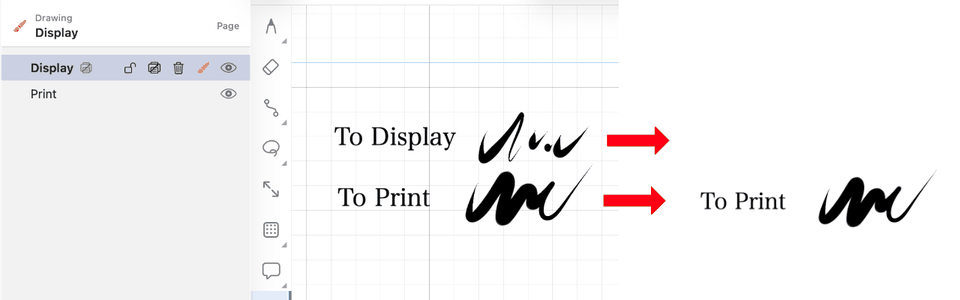
Draft / blue-line layers that stay on canvas but never print.
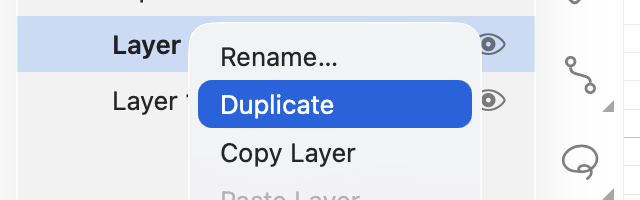
Duplicate
Clone a layer or group, cleanly.
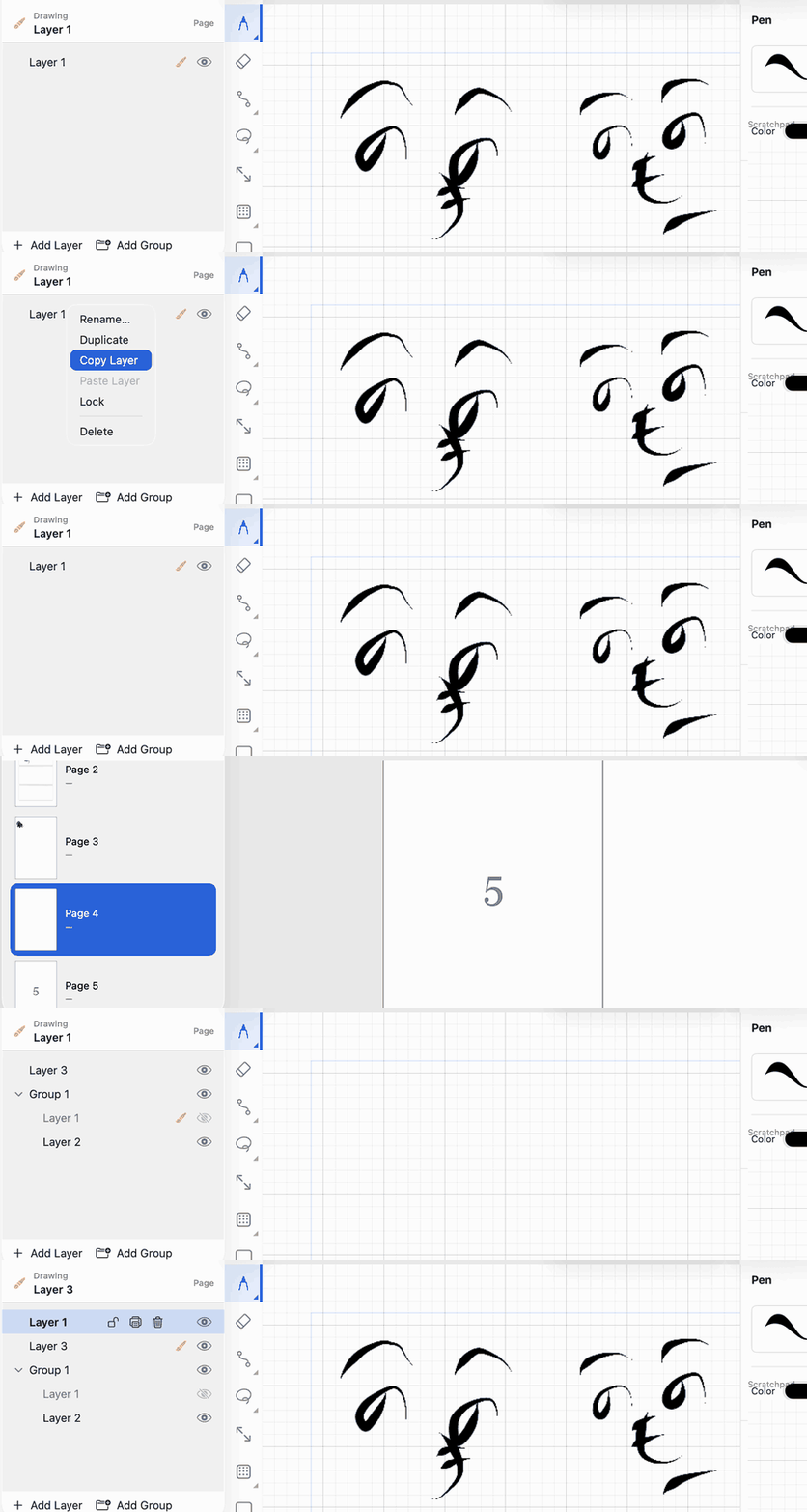
Copy / paste layers
Copy a layer onto another page — or document.
Select & transform
Tap or lasso to select — then move, scale, rotate, or copy/paste.
Build the book
Manga is multi-page — the whole manuscript, not one canvas.
Page organizer
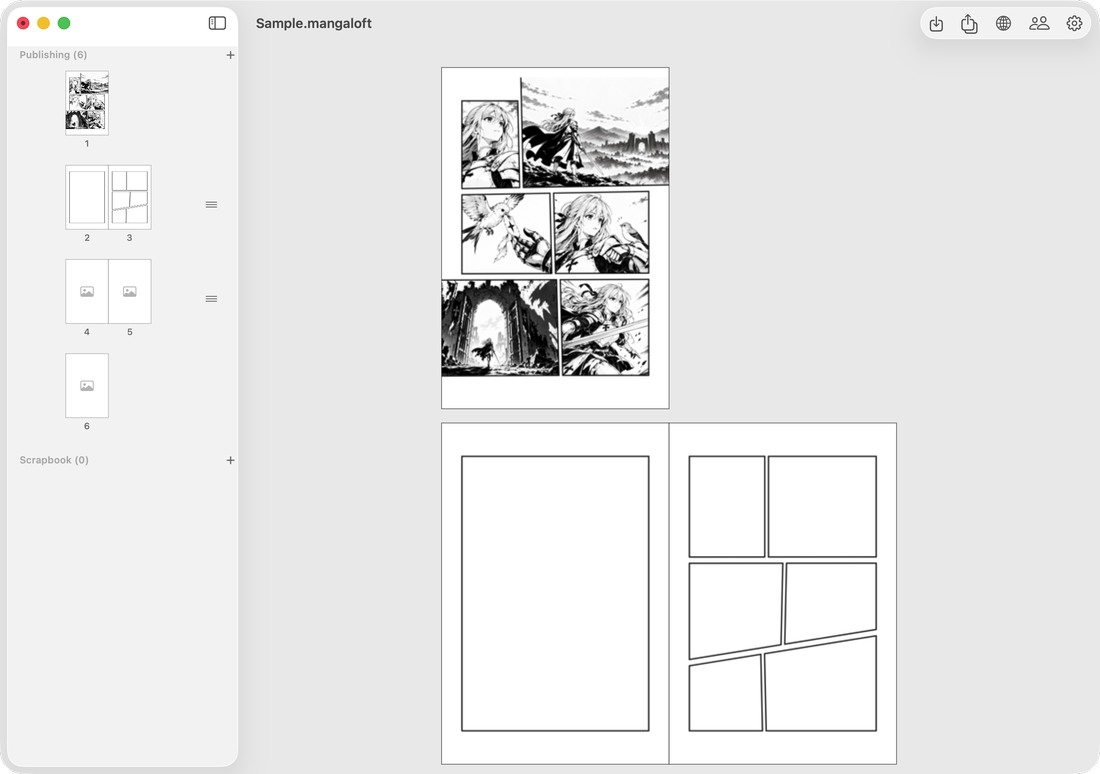
See the whole manuscript at once — every page a thumbnail. Add, reorder, navigate, and delete pages, and jump straight into any one. This is where a multi-page book comes together.
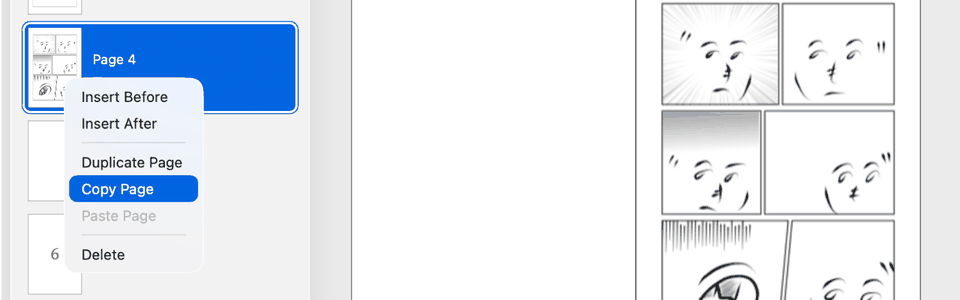
Cross-document pages
Copy / paste / duplicate pages across documents.
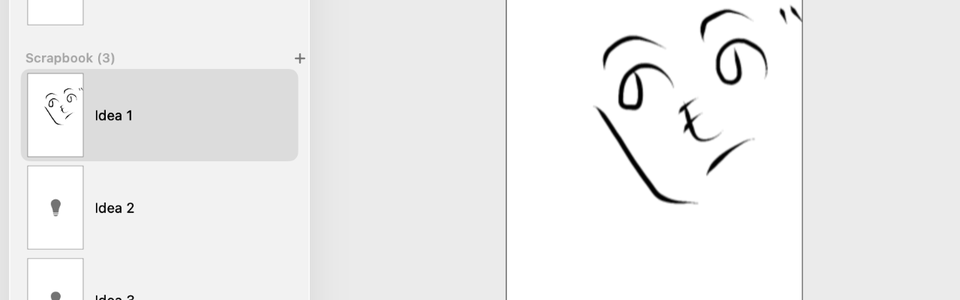
Scrapbook
Private idea pages that never export.
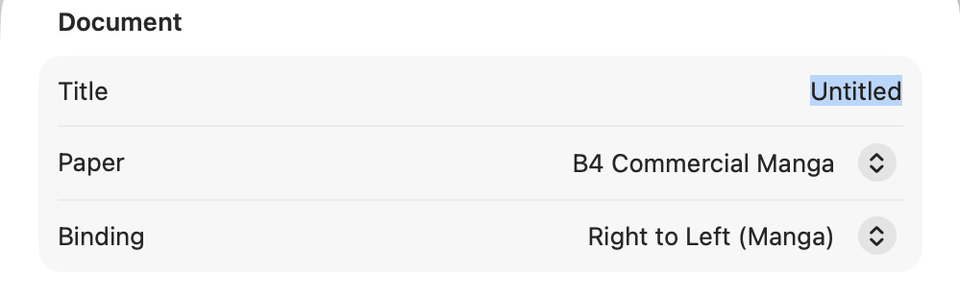
Document settings
Paper size, binding, and trim — per document.
Take it to print
The depth behind the print hero.
Resolution-independent
Paths, tones, and text don't pixelate.
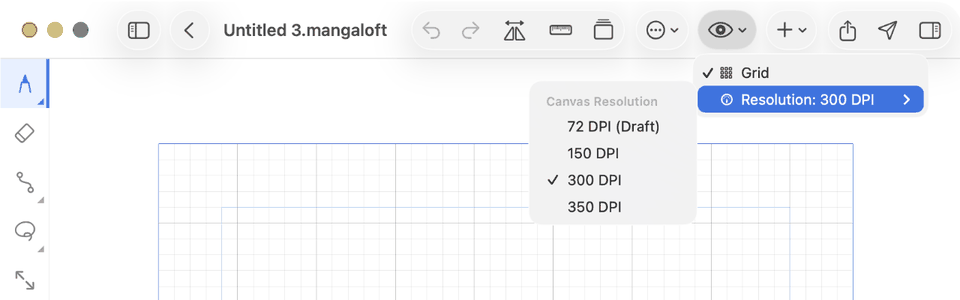
Working DPI
Edit light; set the page's working resolution.
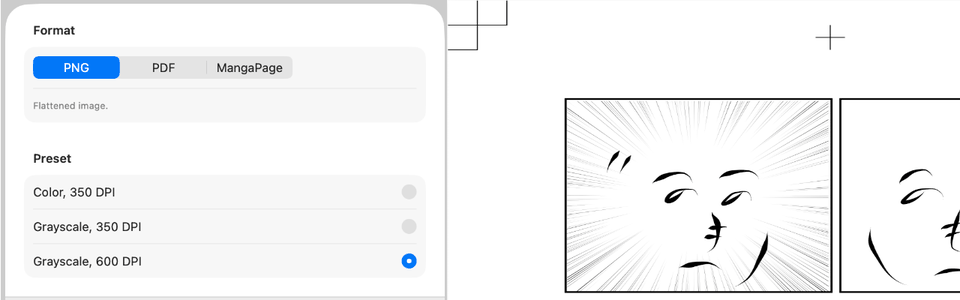
PDF / PNG
Color or grayscale, at your DPI.
Across your devices
Start on one, continue on the other.
Workbench
Pull one frame out and work on it alone — the rest of the page is untouched. Apply when you're happy, or discard.
Continue Elsewhere
Hand that frame to your other device, draw it there, and bring it home — it merges in on its own.
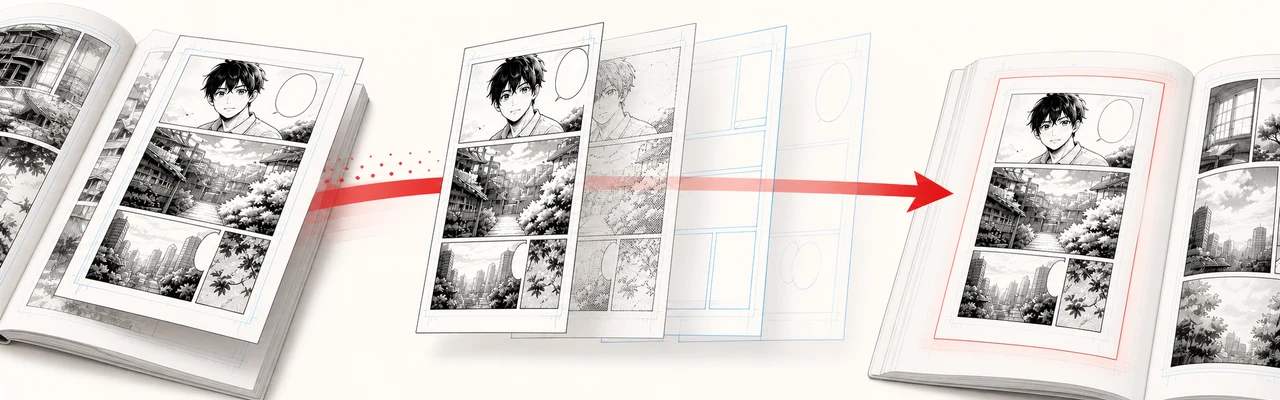
MangaPage transport
Export one editable page, then import it into another MangaLoft document — layers, frames, tones and text intact.
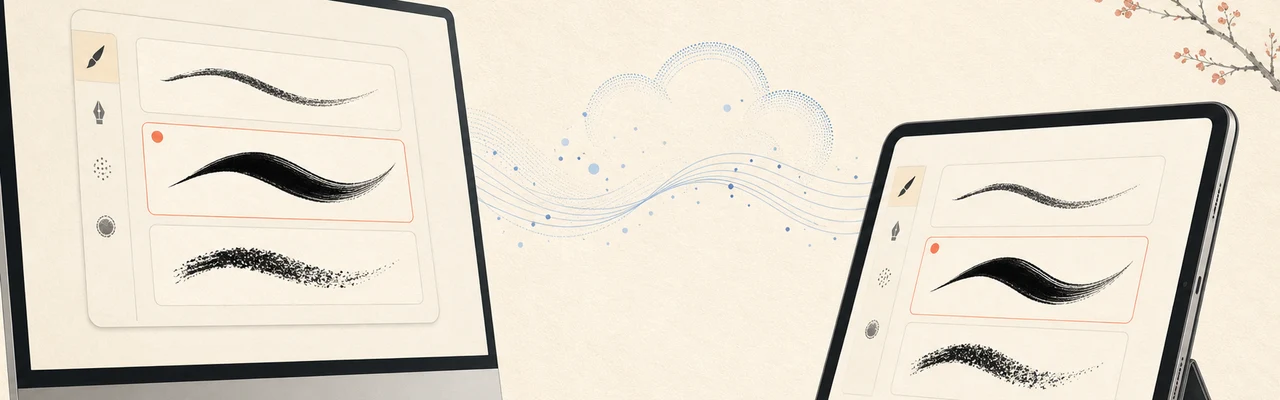
iCloud brush sync
Your custom brushes follow you between Mac and iPad.
Collaboration Needs a partner
Hand a whole page to another artist and get it back for review — then keep it, replace the original, ask for changes, or discard it. Proven on Mac and iPad in both directions, and the beta feature we most want your help testing. Needs two iCloud accounts, and it still has some workflow rough edges.
Your work autosaves, and documents survive app updates.